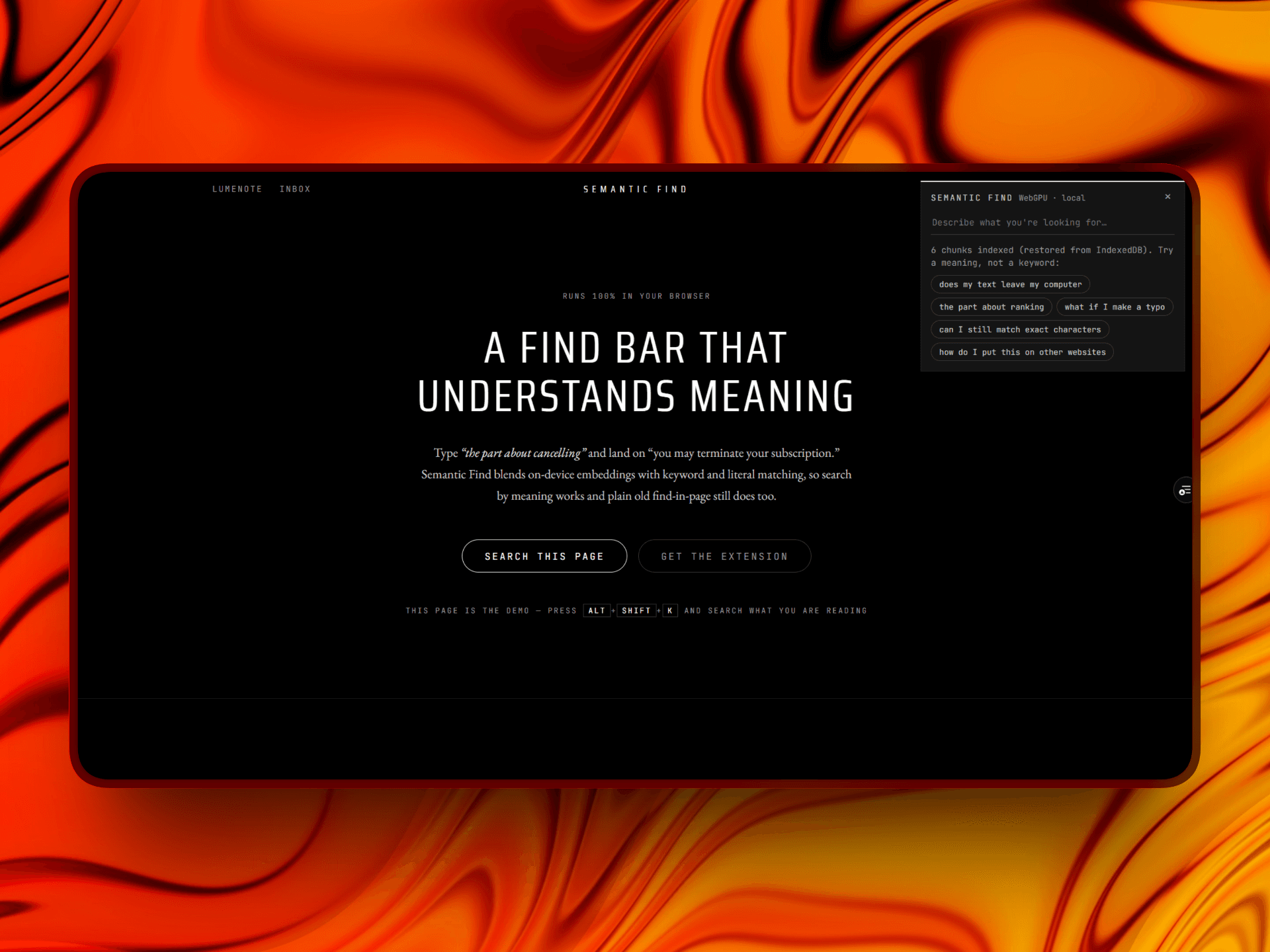
Search a page by meaning. A browser-based search engine combining exact, keyword, and semantic matching, with inference on your device.Creator · Live · July 1, 2026
Ctrl+F only matches characters. Semantic Find matches meaning — type
"the part about cancelling" and it finds the right paragraph even when the
text says "you may terminate your subscription." It's a hybrid search engine
that runs entirely in the browser: the embedding model executes on-device
via WebGPU (or WASM), so there's no backend and no API key, and neither the
page content nor the query is sent to a search backend. The model weights
(~25 MB) are downloaded on first use and cached for subsequent visits.The same framework-free TypeScript core powers three versions: a find-in-page
demo over a long document, an email-inbox search demo, and a Manifest V3
Chrome extension that searches the live DOM of any page.
How it works
Results are ranked using three methods, then combined:
Literal substring — a raw character scan, so a fragment like grea
still matches mid-word exactly like native Ctrl+F.
Keyword — exact, prefix, and typo-tolerant fuzzy matching (MiniSearch).
Semantic — cosine similarity over 384-dimension MiniLM sentence
embeddings (transformers.js), which catches paraphrase and intent.
The three ranked lists are merged with weighted Reciprocal Rank Fusion,
which uses rank positions to combine results whose original scores use different
scales. Match filtering is separate from ranking, so exact text matches remain
eligible while semantic relevance influences their order. Labels such as Exact,
Close, Related, and Loosely related indicate which matching methods contributed.
The displayed score is cosine similarity, a measure of how closely the query
and text embeddings align. It is not a probability that the result is correct.
Engineering highlights
Inference off the main thread — the model runs in a Web Worker (an
offscreen document in the extension), with embeddings passed back as
zero-copy transferred ArrayBuffers. This keeps model inference off the
thread handling typing and rendering.
Browser-extension support — an offscreen document handles the model
download independently of the host page's content security policy. The CSS
Custom Highlight API marks matches without changing the page's DOM, avoiding
conflicts with React and other frameworks.
Caching — computed embeddings are cached in IndexedDB and
model weights in the browser cache, so revisits skip both the ~25 MB
download and re-indexing.
One core, three consumers — the search library has zero framework
dependencies; the Next.js demos and the extension use the same library.